
M100 / CHECK-INStandard check-in
From room selection and guest details to payment and receipt.
What this video shows
- Select a room and confirm guest details
- Review terms and complete payment
- Collect the transaction receipt
Arrival to keycard, in one flow
From multilingual reservation lookup, identity verification and payment to e-signature, keycard issuance and PMS synchronization—one configurable self-service journey for the property.
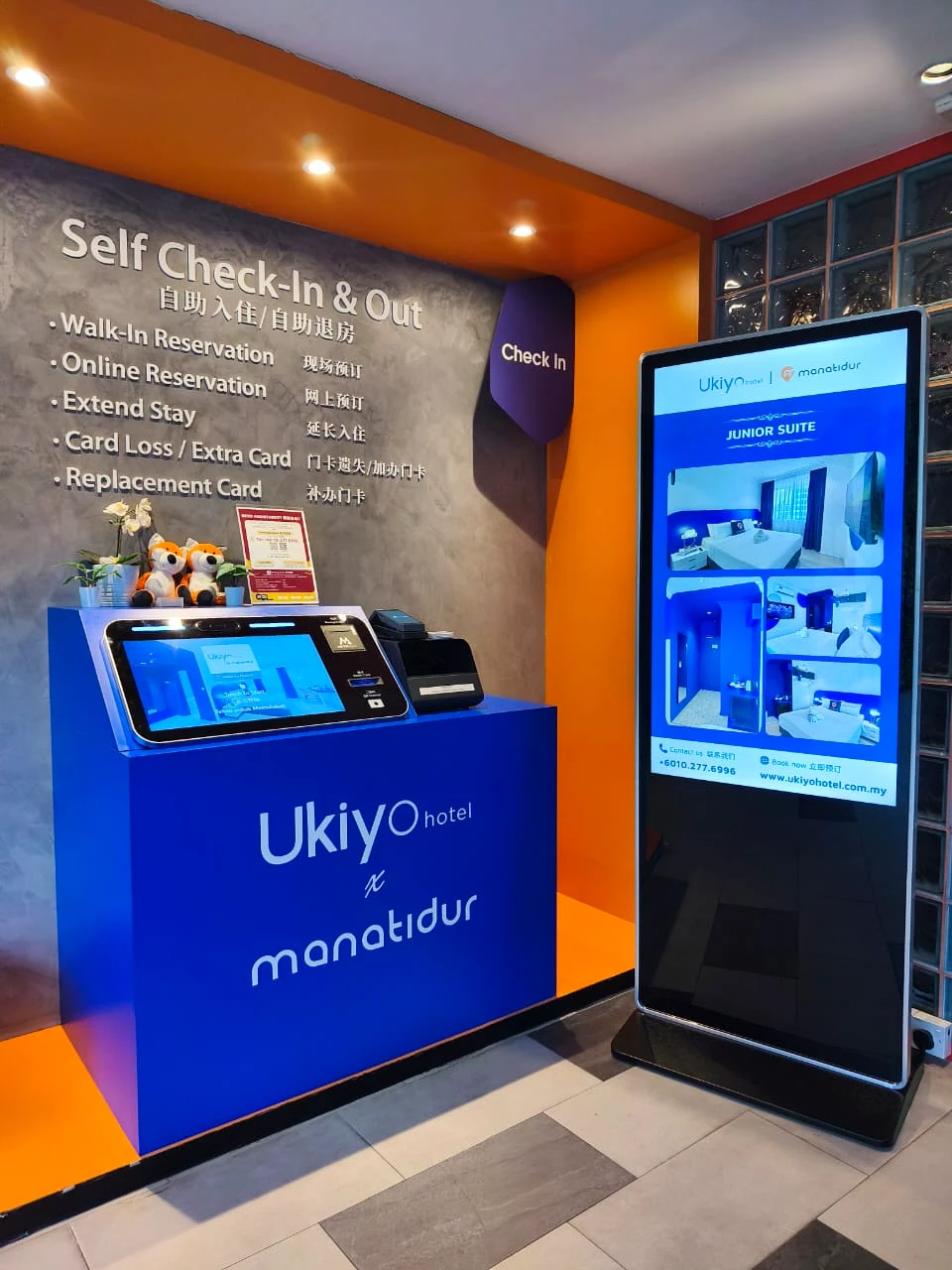 Actual hotel deployment
Hotel kiosk explained
A hotel self check-in kiosk is a guest-facing terminal that helps eligible guests find a reservation, verify identity, complete registration and payment, sign required documents and receive a room key. It works with the hotel’s PMS, payment, identity and keycard systems; staff still handle exceptions and guests who need assistance.
Use the 12-point buyer’s checklist →Three actual product flows
Standard check-in, check-in with deposit and self-checkout each use the correct original footage, so hotel teams can compare every guest-facing journey clearly.
From room selection and guest details to payment and receipt.
Passport scanning, terms, payment and deposit collection in one flow.
Review checkout details, record identity and complete the stay rating.
Configured for the property
The kiosk flow can be configured around the hotel’s PMS, payment method, identity checks, keycard system and front-desk responsibilities—rather than forcing the property into a fixed model.
A property can begin with one clearly defined self-service use case and extend to additional kiosks or mobile workflows as operational needs develop.
Move repeatable registration steps into a guided self-service flow so the front desk can focus on the moments that need a person.
Let guests confirm identity and information directly, reducing duplicate entry and manual transcription errors.
Give guests a consistent, easy-to-understand path at peak periods and during late arrivals.
Real Malaysian customer deployments
The same M150 supports two distinct operating realities: a 20-room hotel serving international guests, and an owner-operated 11-room guesthouse receiving arrivals after midnight.
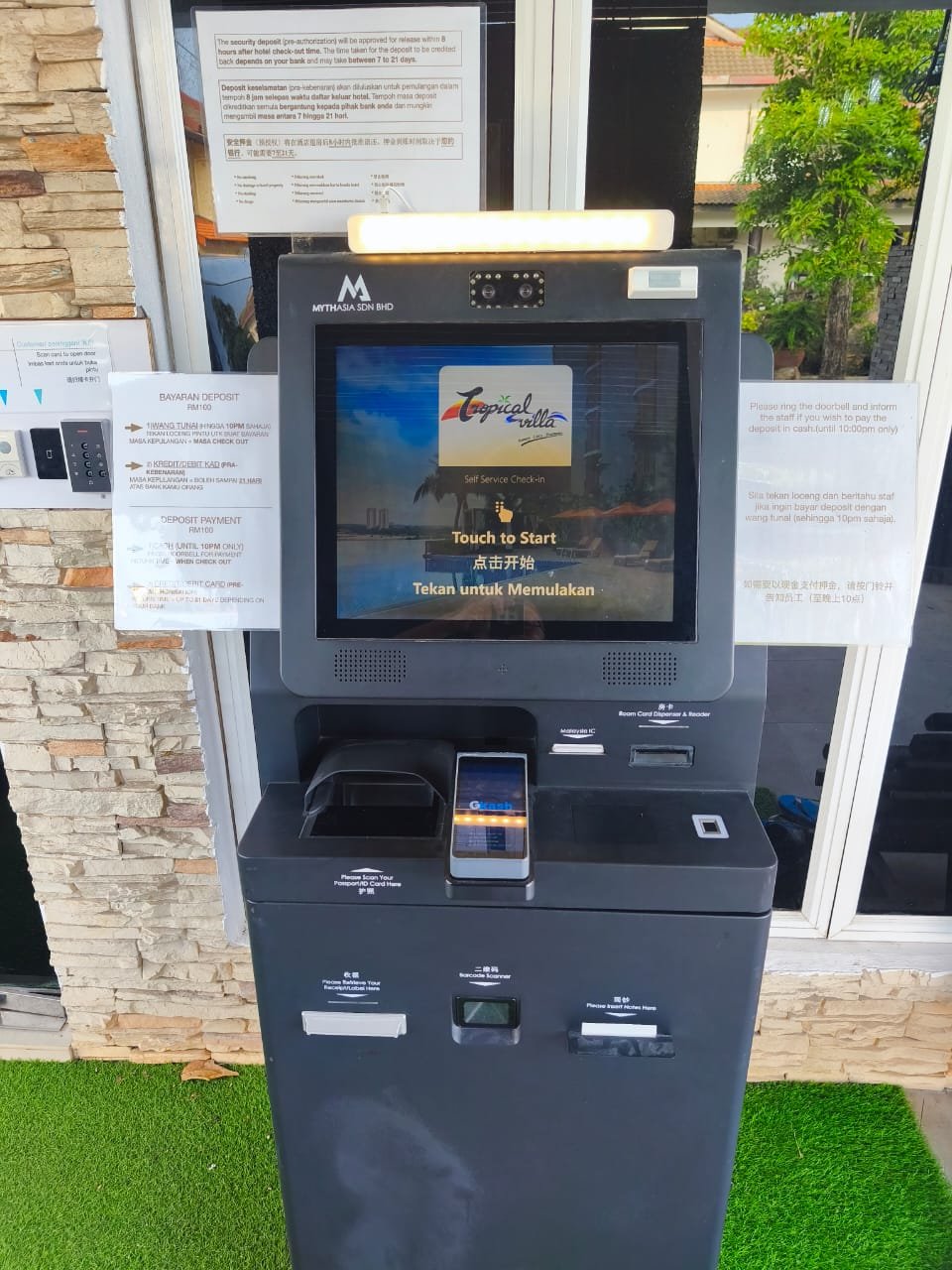 Actual hotel deployment · Kuantan, Pahang
Staff stay available for exceptions instead of waiting through the night for routine check-ins.
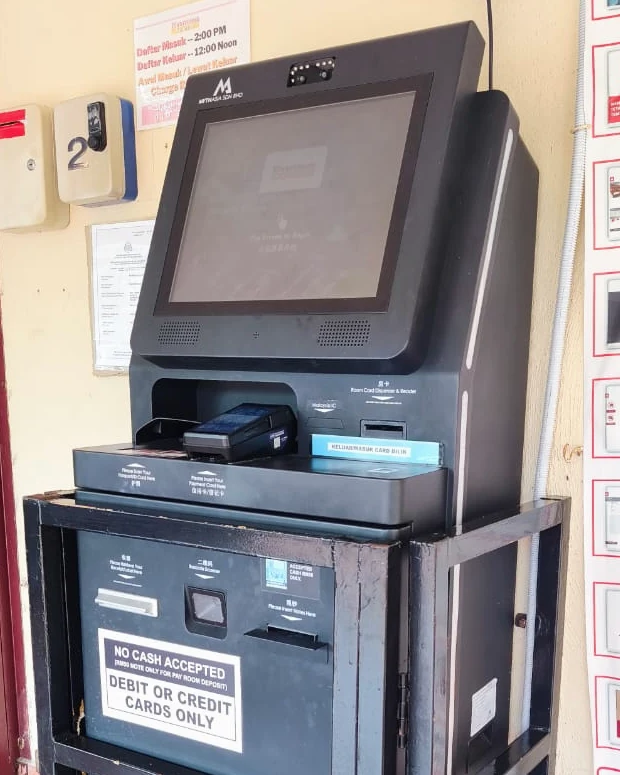 Actual guesthouse deployment · Kuantan, Pahang
“At night, I can rest instead of answering calls.”
From Malaysia to Hong Kong and UAE/Dubai projects, the right approach depends on guest volume, the existing PMS, payment, identity and keycard systems—not only the kiosk model.
Confirm languages, identity documents, payment methods, tax steps, privacy policy and on-site support responsibilities for each project.
Use room count, arrival peaks, front-desk staffing and available space to choose a countertop, compact or full-height lobby kiosk.
Confirm every interface, vendor responsibility, exception path and fallback before deployment so the kiosk completes the arrival steps the hotel actually needs.
Share property type, room count, arrival volume, current PMS, payment terminal, keycard brand, identity requirements, languages and target launch date.
The same complete arrival capability in form factors suited to large lobbies, boutique counters and compact reception environments—shown with real MythAsia product photography.
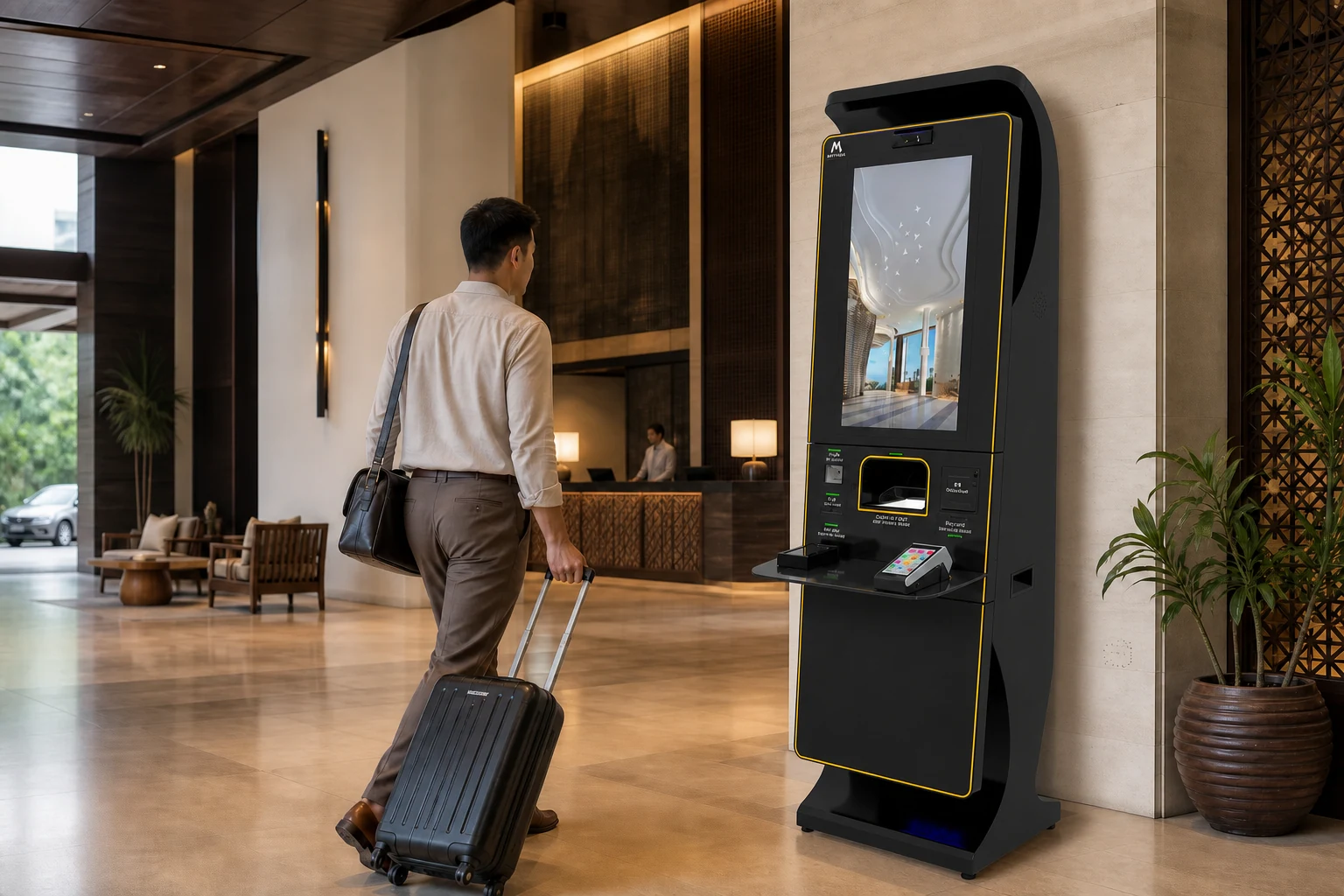
A prominent standalone terminal for high-traffic lobbies and complete self-service arrival.
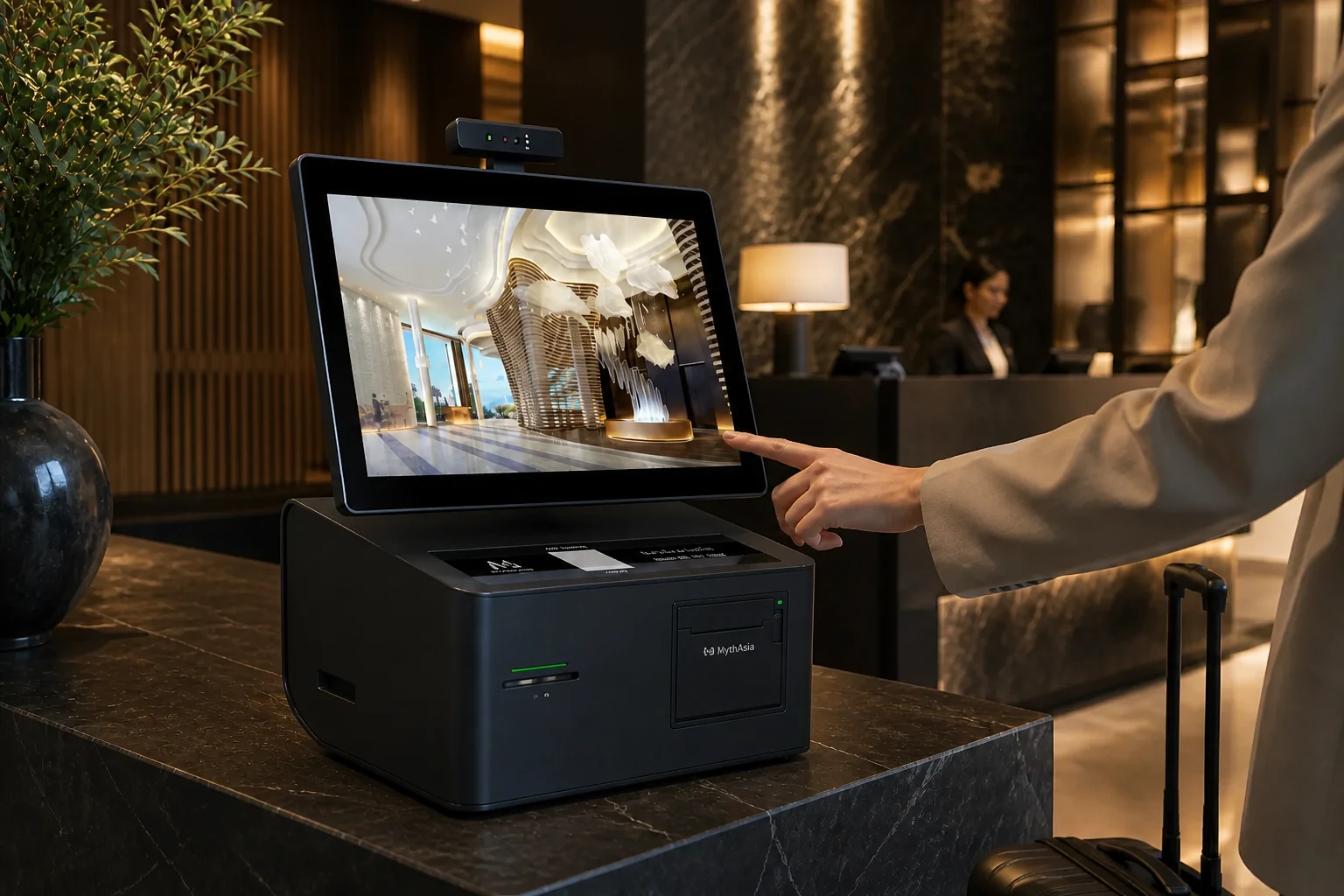
Integrates self check-in into a reception or concierge counter without compromising the space.
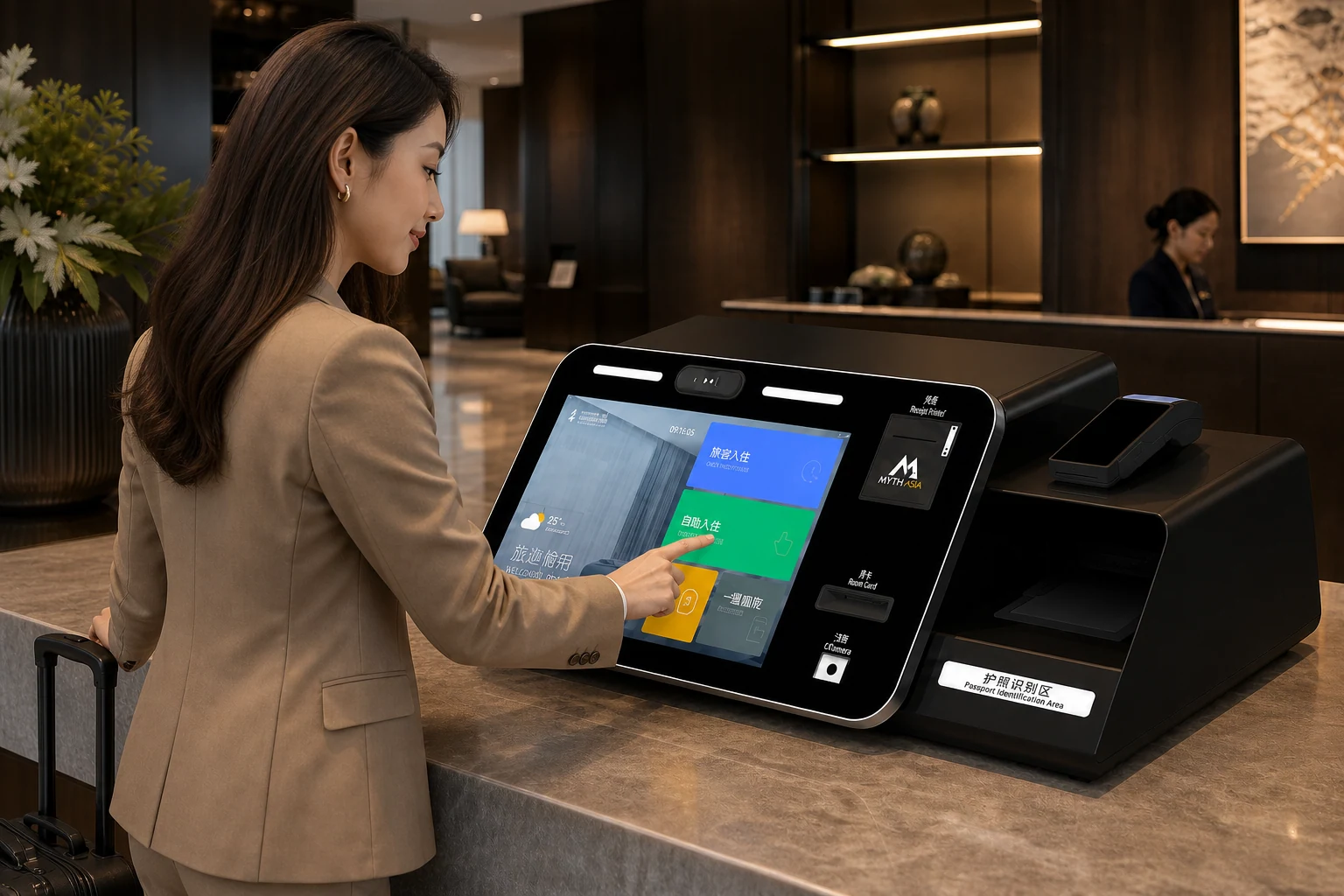
A compact footprint for scanning, payment, printing and arrival in lounges or satellite desks.
From reservation lookup to keycard issuance, each step stays clear for the guest and returns usable arrival data to hotel operations.
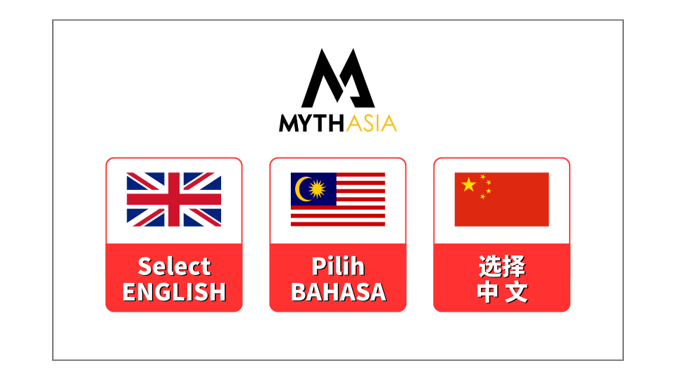
The guest selects a preferred language and enters the reservation number to begin.
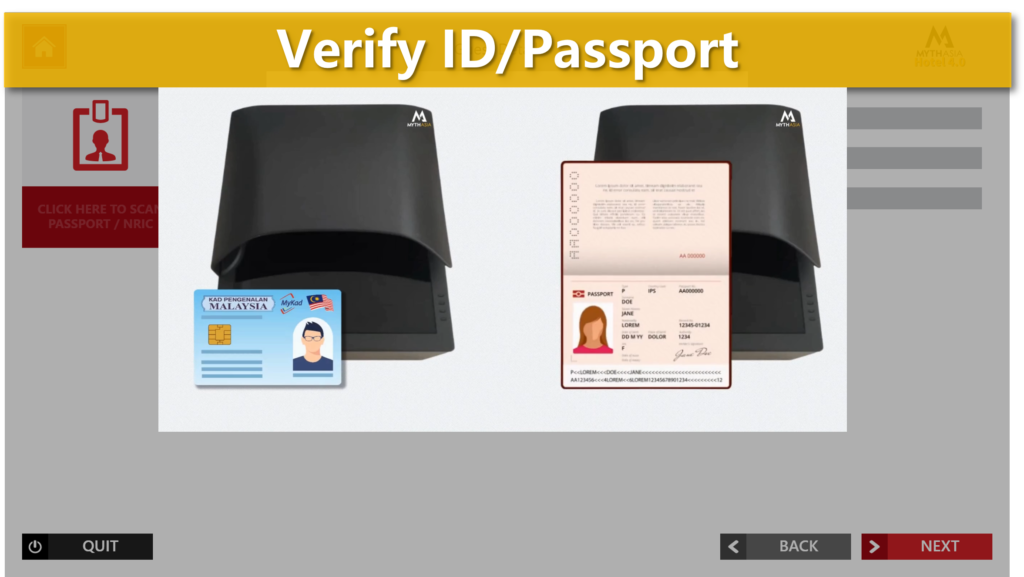
Scan an NRIC or passport and use facial recognition to verify the guest.
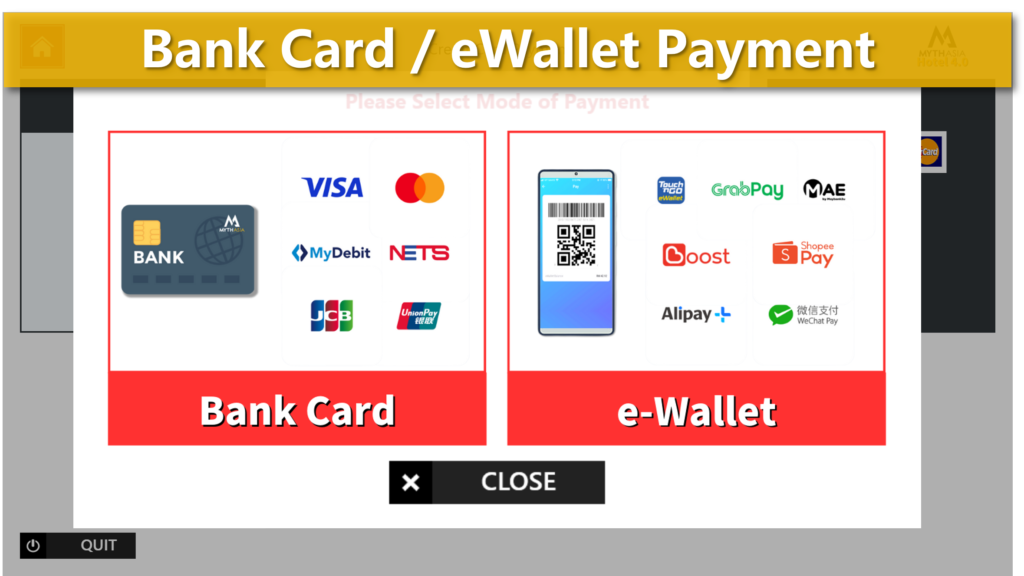
Automatically handle tourist tax and any other outstanding fees.
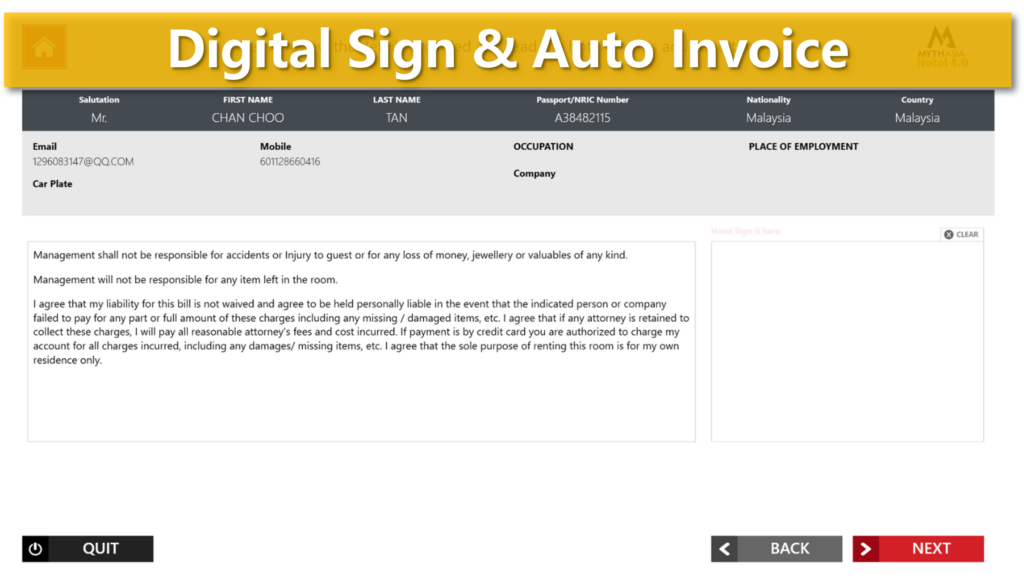
Capture the terms and conditions signature and auto-fill the check-in record.
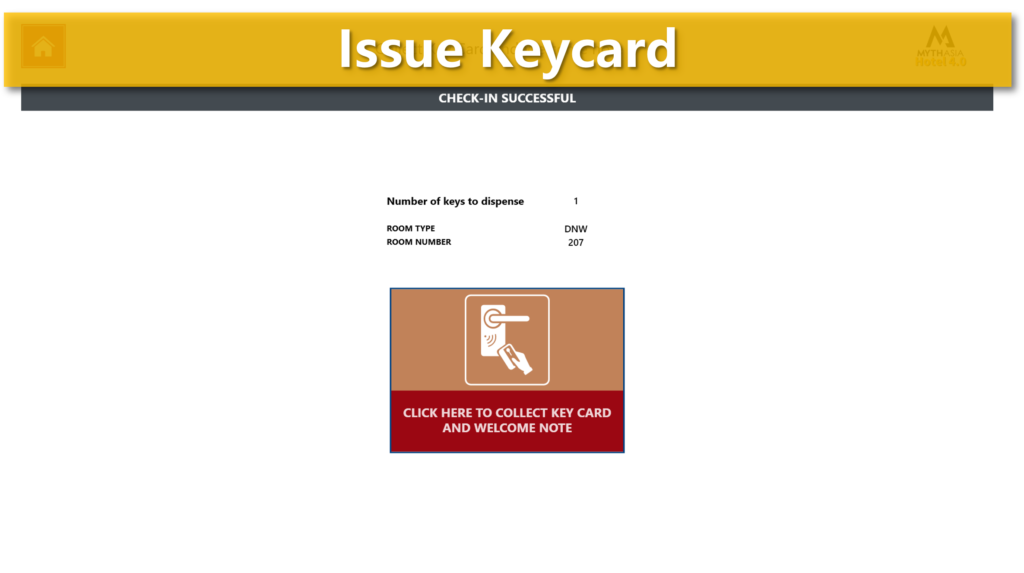
Issue the room keycard and synchronize the completed check-in with the PMS server.
Explore a 40-room hotel's late arrivals and a 526-room hotel's connected front-desk workflow.
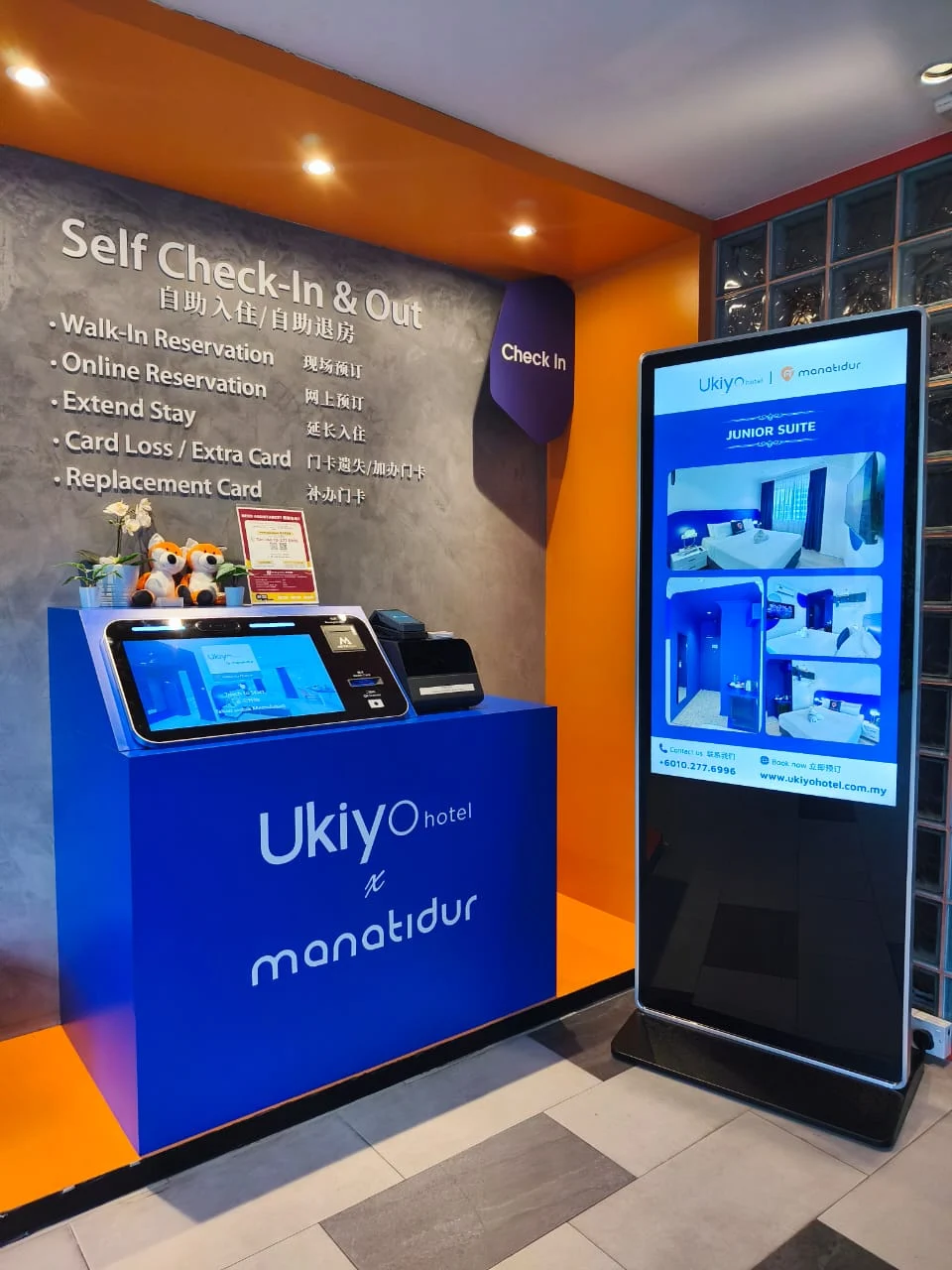
A 40-room hotel connects late arrivals, room purchase, identification, payment, deposits and keycards through one Classic M100 and MythAsia PMS.
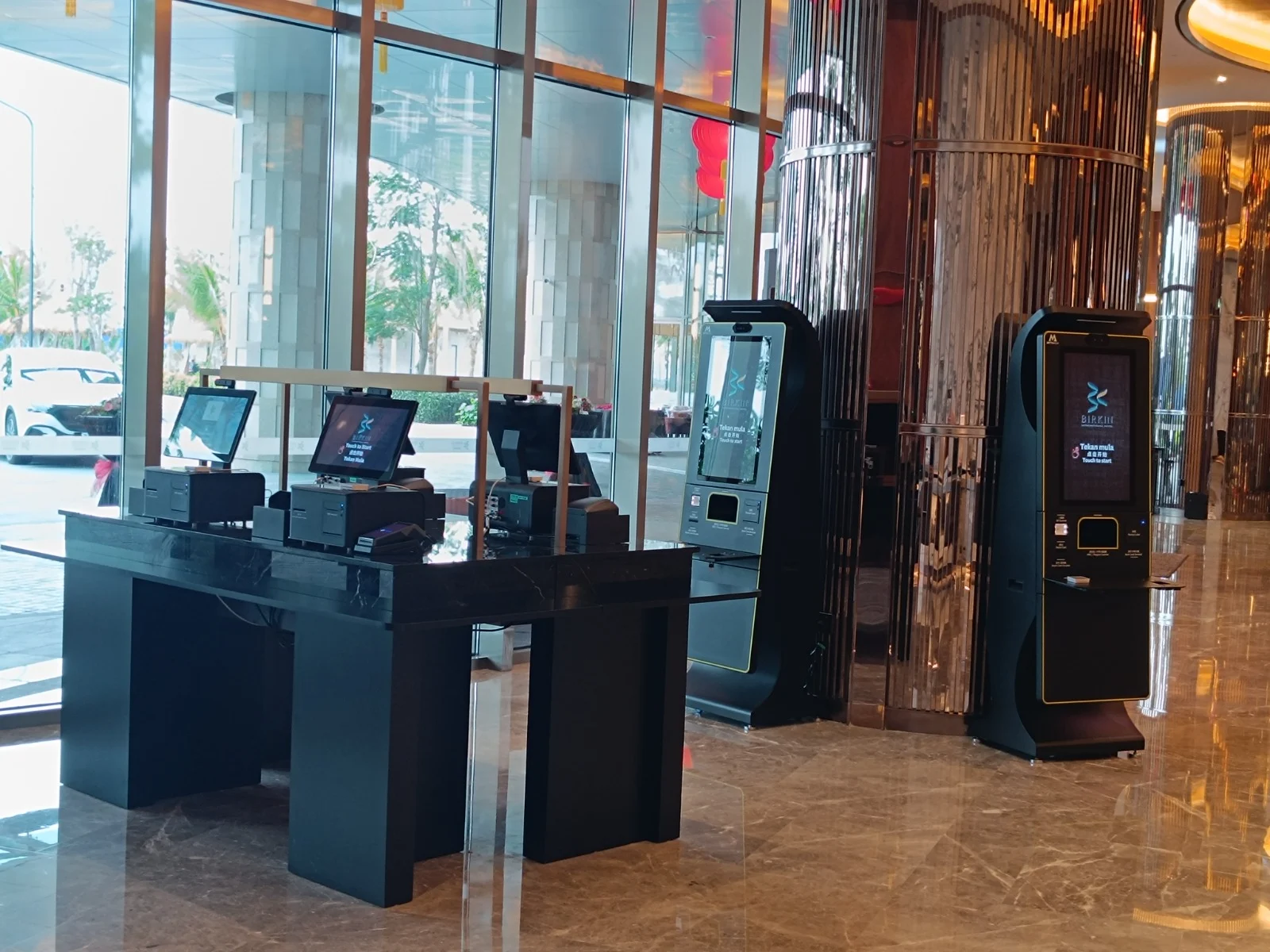
Four M50 and two M150 kiosks connect self check-in and checkout with MythAsia PMS at this 526-room Melaka hotel, alongside the front-desk team.
PLAN YOUR PROJECT
Understand integration scope, implementation and cost components before discussing your solution.
MythAsia has project experience integrating third-party PMS, hotel locks and payment systems. Scope is assessed against system versions, device models and property requirements.
PMS: previous Opera integration. Locks: HUNE, Saflok, ORBITA, ADEM, Xeeder and Intego. Payments: Gkash and GHL. STAAH is the current channel-manager relationship; other CMs are assessed and arranged by project.
MythAsia handles device installation, system setup and staff operation training. Timing depends on complete customer information: small hotels generally within one month; larger hotels follow a project schedule.
Whether installation, setup and training are included in a quote depends on the project and requirements. Ongoing costs may include subscription, annual and maintenance fees, with applicable components and scope specified in the quote.
Free demo · approximately 45 minutes
Request a demo Real workflow videos